STYLE FRAMES
OVERVIEW
the brief
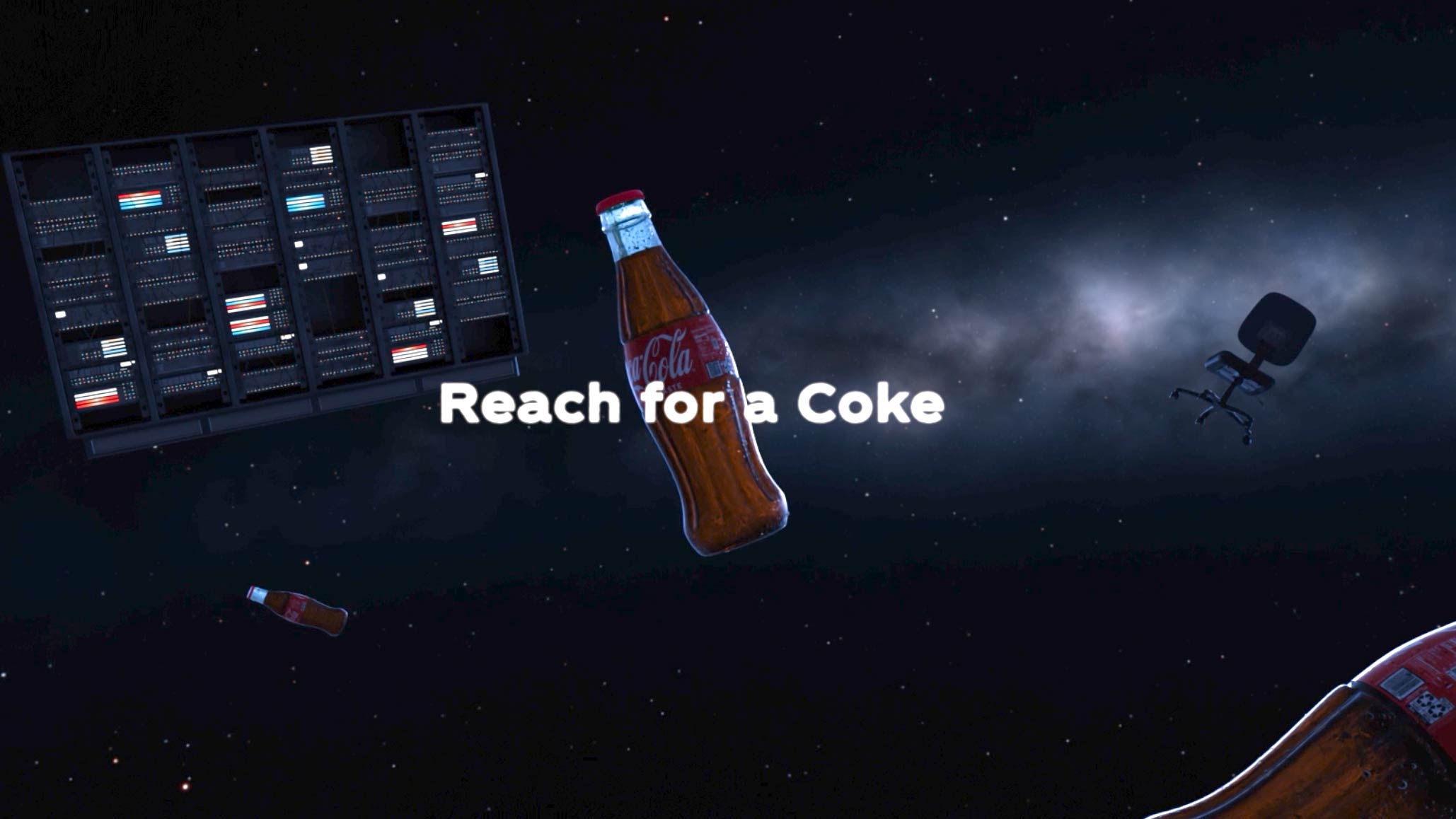
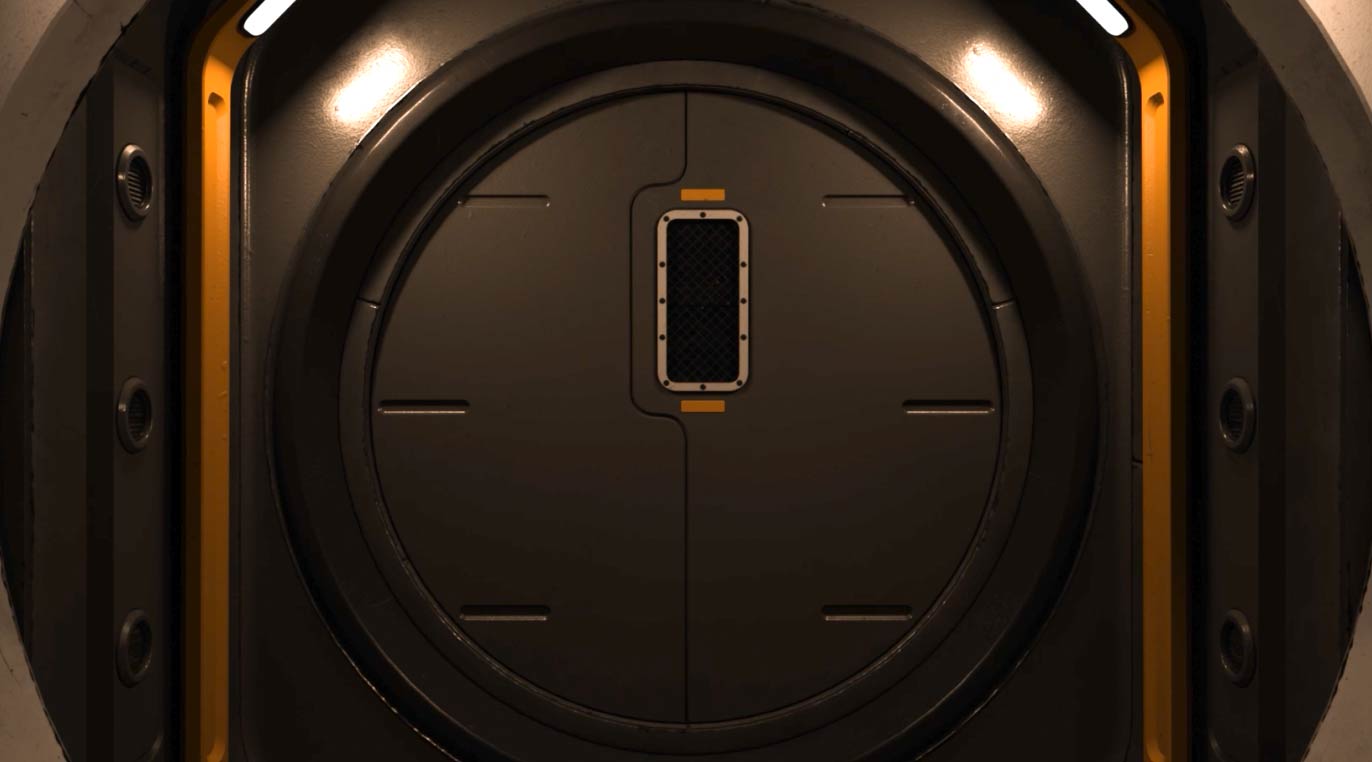
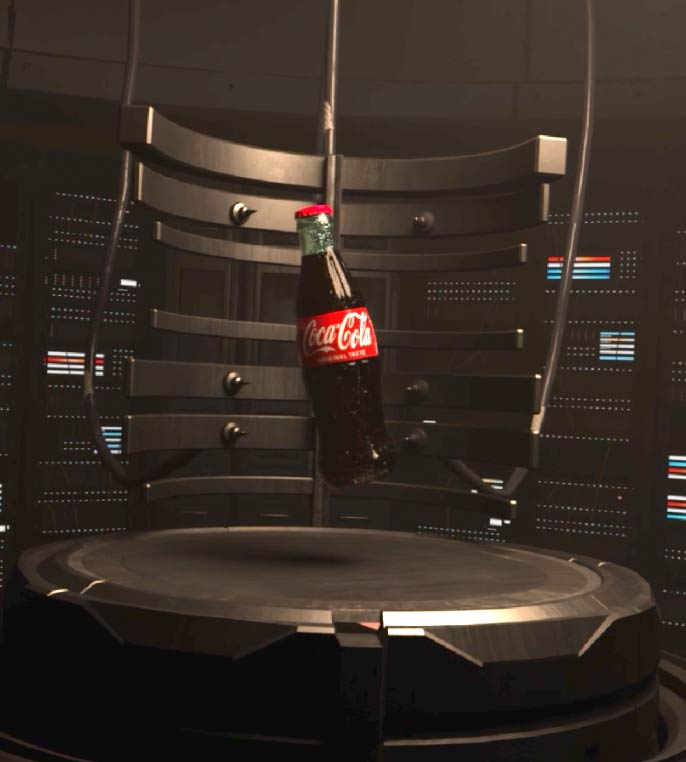
A proof-of-concept animation for Coca-Cola’s Reach for the Stars campaign, produced in collaboration with KitBash3D. Using Houdini’s procedural workflow and Karma, the Coca-Cola bottle becomes the hero inside a small, atmospheric sci-fi world built from KitBash’s asset library. The goal is a polished, design-forward micro-shot that feels like a futuristic brand moment concise, stylized, and ready to pitch.
THE CONCEPT
the story so far
This piece should reimagine the Coca-Cola bottle not just as a beverage, but as an iconic symbol of aspiration, ambition, and cosmic exploration. Through assets provided by Kitbash3D, a futuristic sci-fi setting was established for the concept.
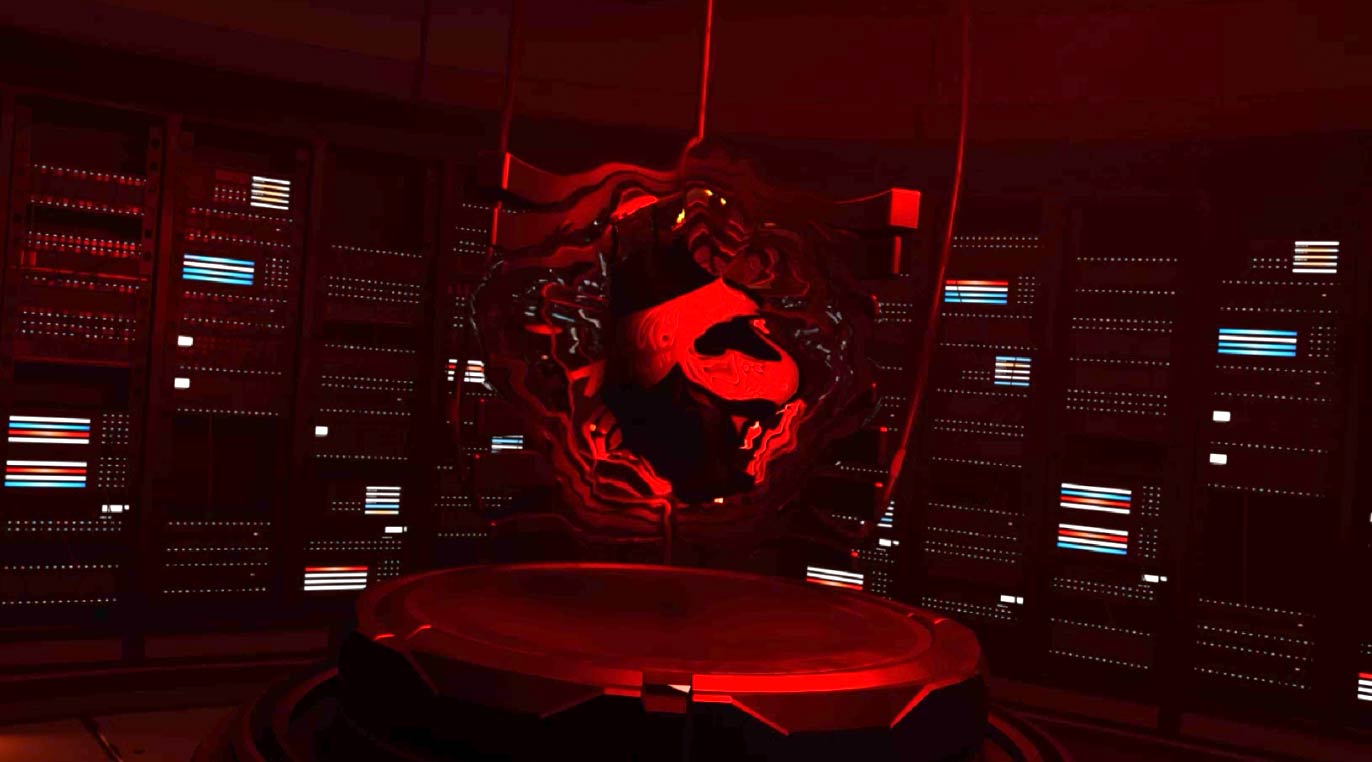
The story follows an teleportation test fire to deliver refreshments, but instead delivers revelations. The resulting test launches Coke among the stars, becoming a symbol of human achievement and ambition to explore outer space.
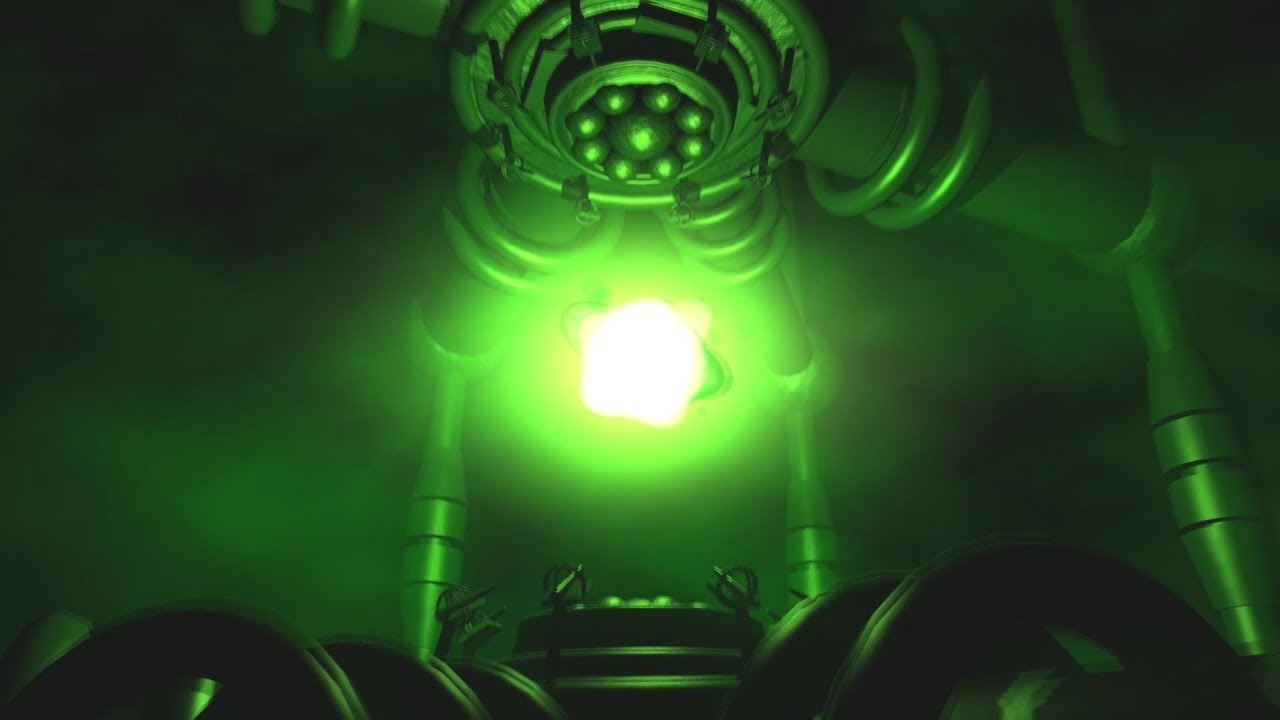
I want to capture the effect the original xbox intro had
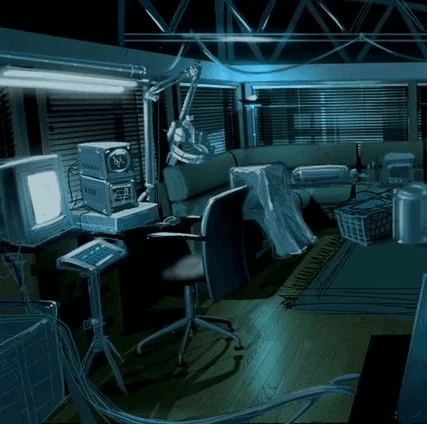
Flynns Lab from Tron is the perfect tech lab vibe
KITBASHED
sci-fi worlds, powered by Kitbash
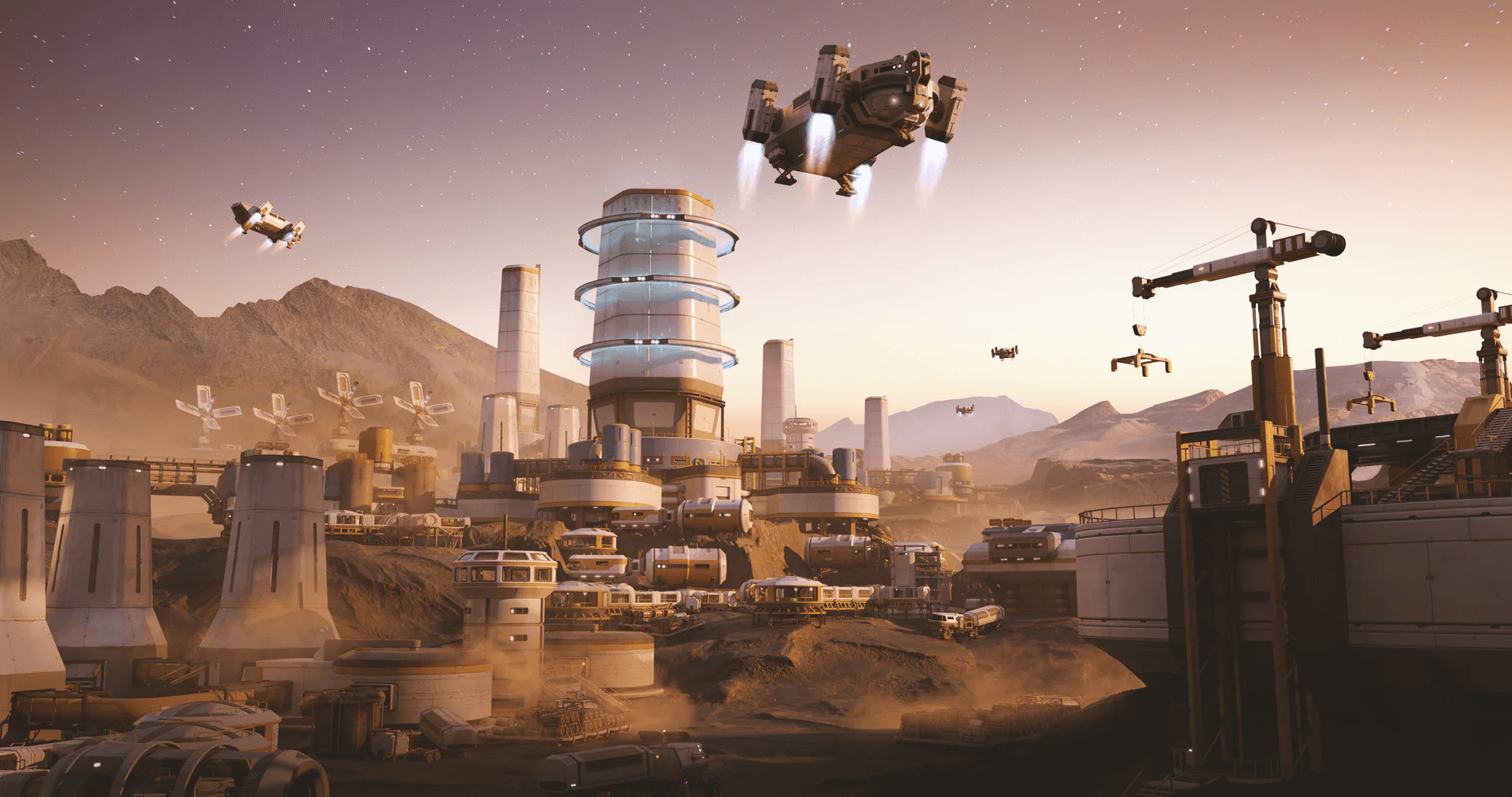
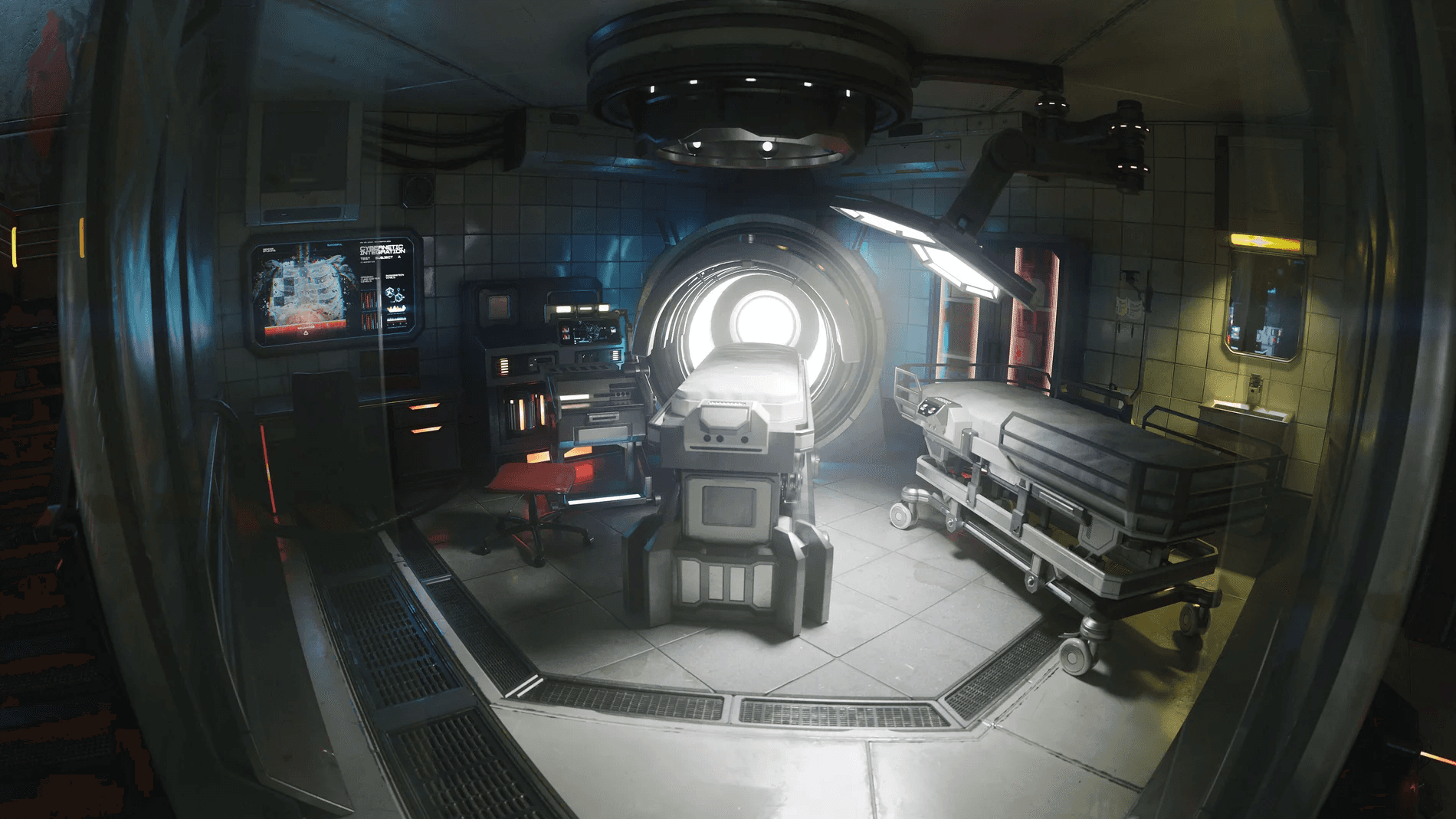
Kitbash is a powerhouse of a 3D asset library. They have thousands of stunning and high quality models. Kitbash doing a collab with Coca-Cola opened doors to showcase Coke in a sci-fi environment.
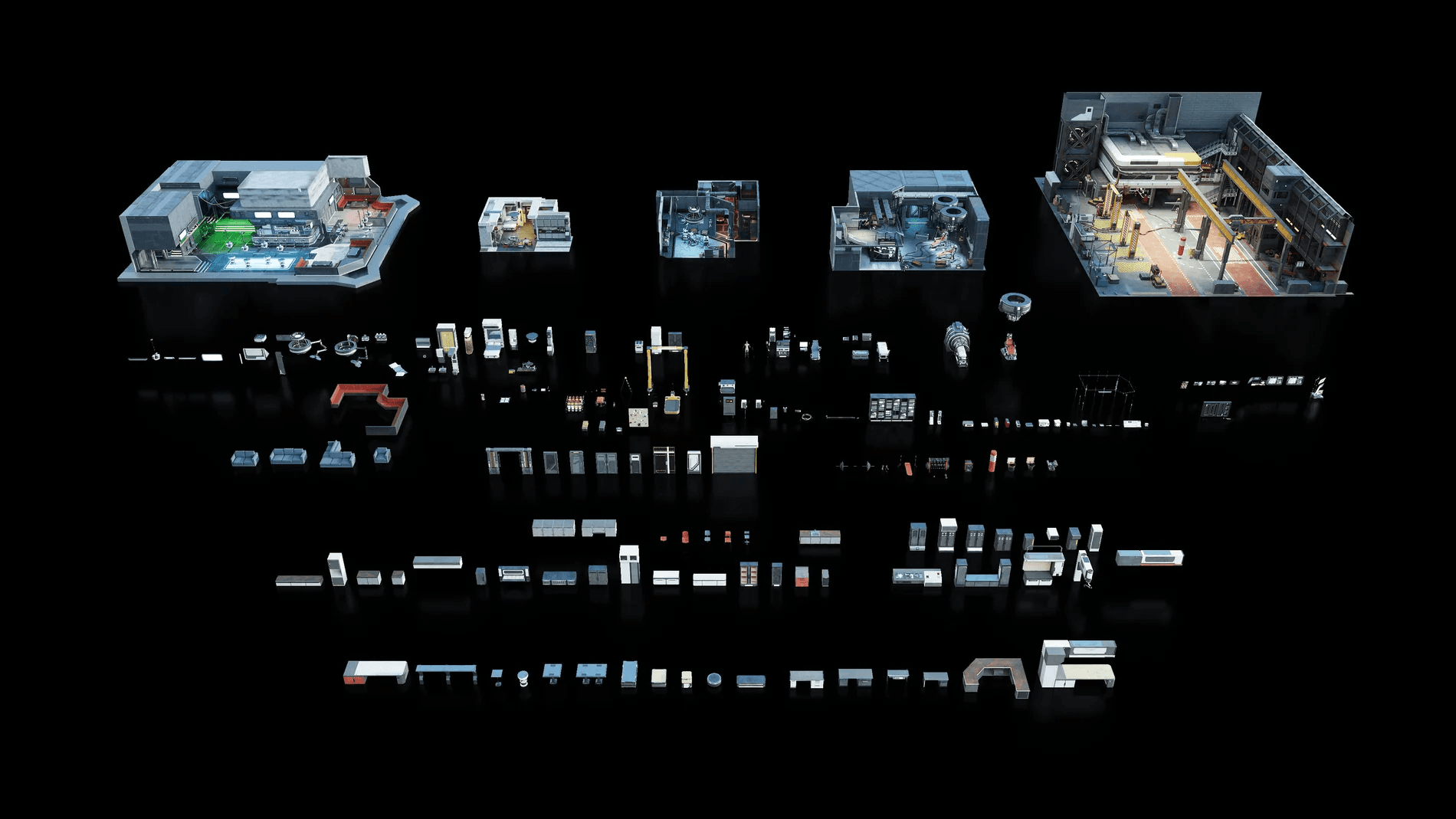
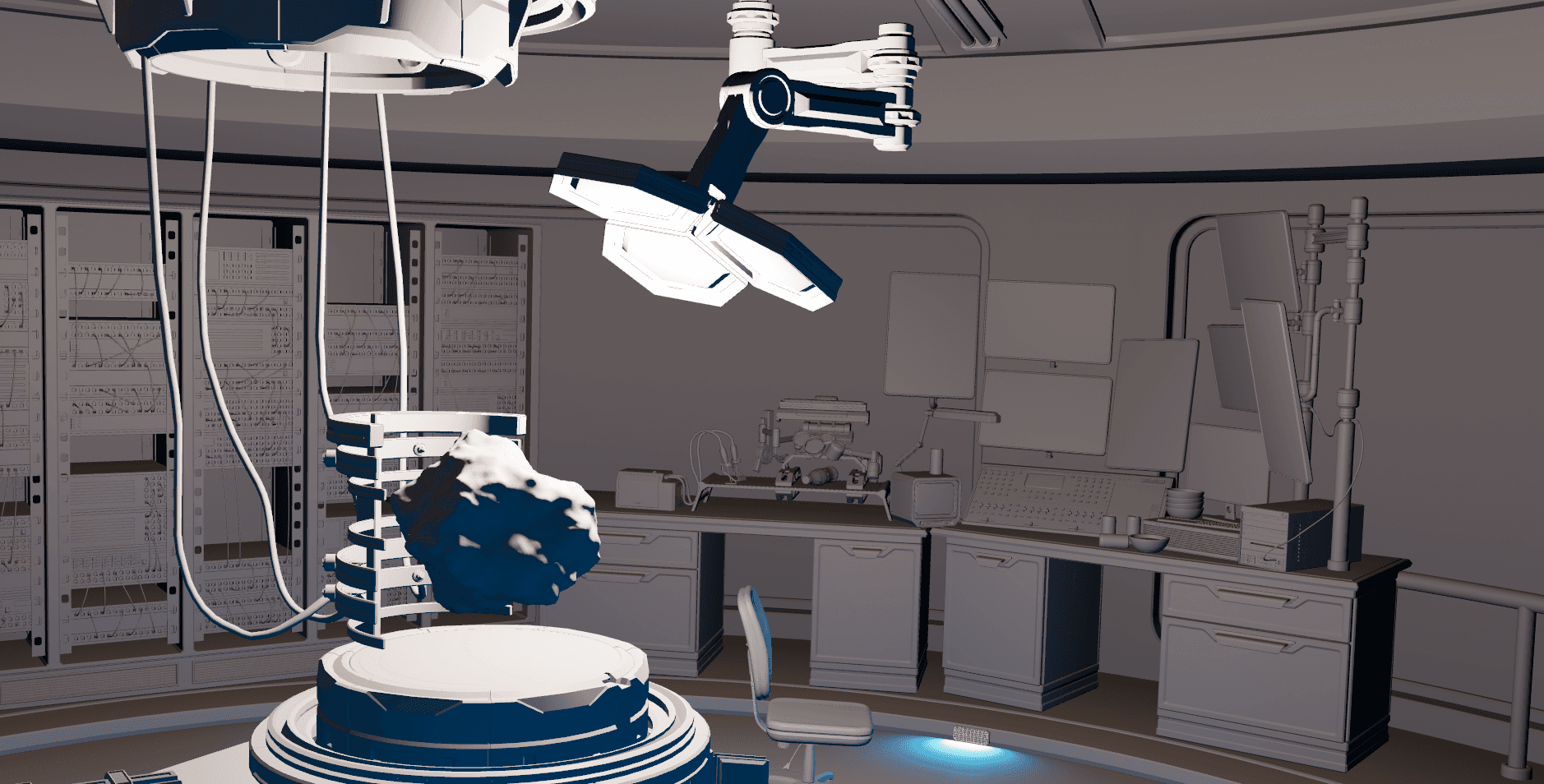
The kits used in this project was a blend of Mission to Minerva and Cyberpunk Interiors to recreate the sci-fi lab I envisioned.
kitbash left me feeling bashed
Kitbash3D has recently made the switch to USD files, which should be a universal positive. Unfortunately the models are extremely locked down in Houdini making it really hard to properly utilize the modularity that Kitbash thrives on.
Getting the files into Houdini was a hassle in of itself, but that's the reality of Houdini sometimes. To save me hours of time I designed and coded a script that would process Kitbash master files. I will jump into that script in a moment.
To further complicate Kitbash models in Houdini. I couldn't easily modify any property of the models, meaning I had to find workarounds to add the micro-animations I needed for a high quality animation.
BUILDING
call me bob, because i'm building
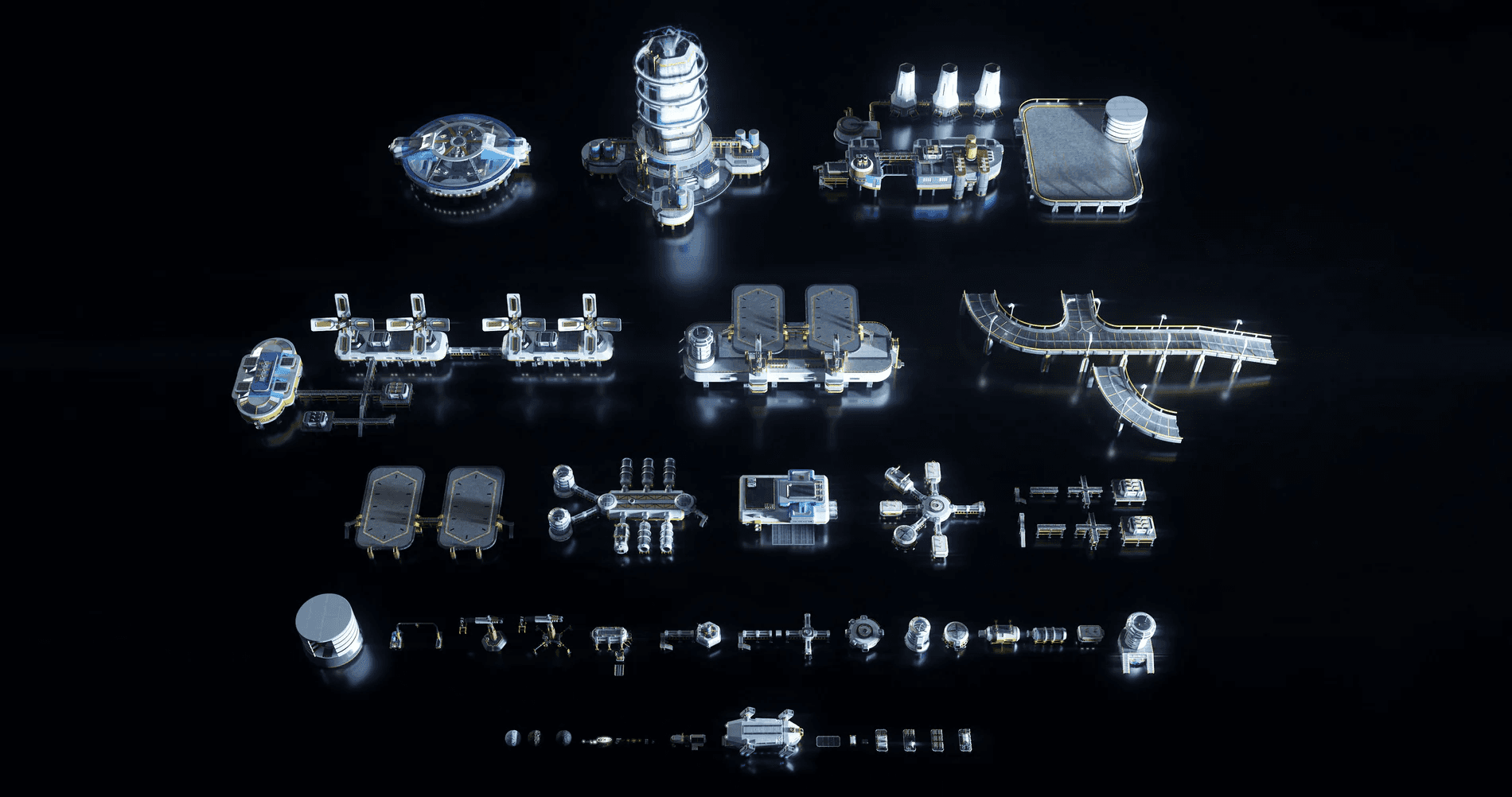
The next step was blocking and planning out the scene. The workflow that works best for me when building is to discover through experimenting and play. Kitbash provides the building blocks for this workflow and it is why I hold their company in such high regard. Being able to build and modify with almost no friction opens to the door to highly creative builds and worlds.
scripting in Houdini is a superpower
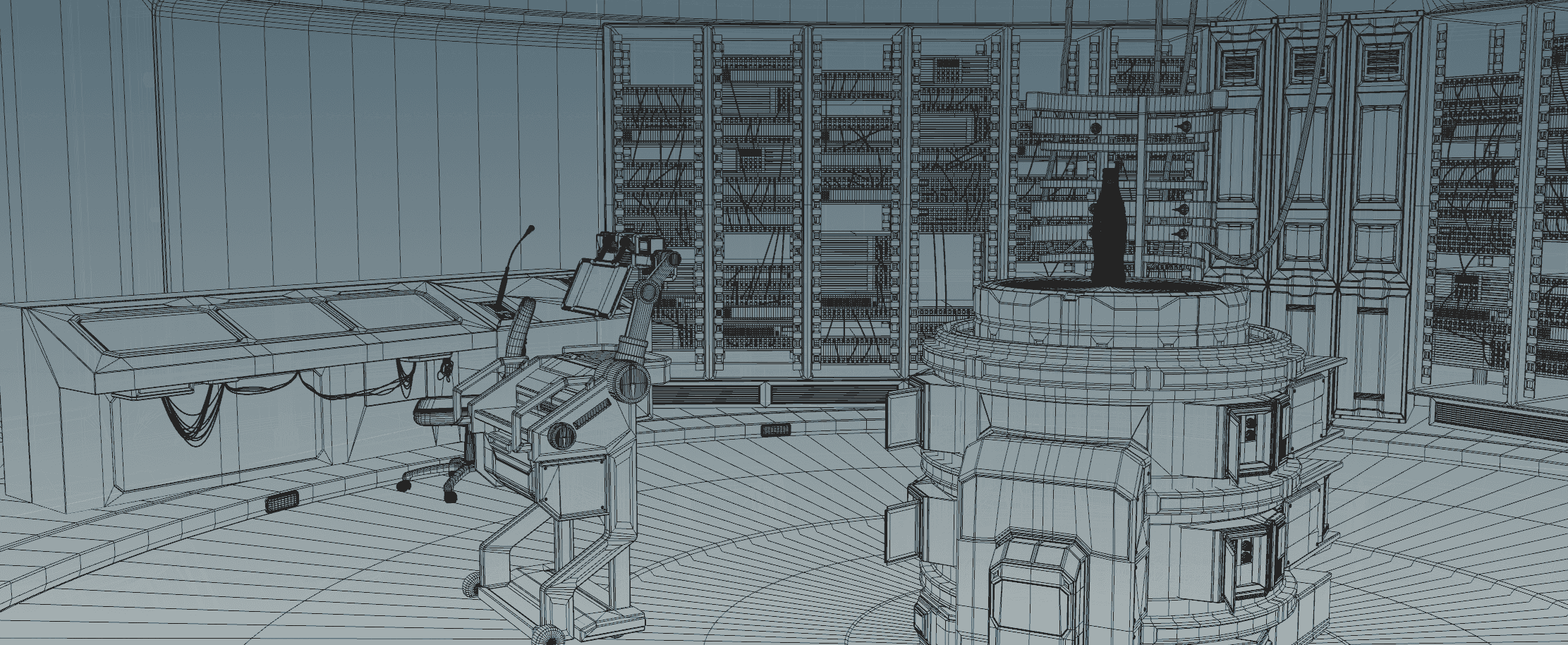
One of the major pain points I encountered early on with Houdini, is how tedious importing and processing files can be. Kitbash only amplified this problem as they supply so many modular building blocks (which is awesome!).
I immediately chose to spend some time building a script with Claude.ai instead of doing it manually. Writing a Python script is so freeing and Is one of my favorite things about Houdini, the ability to do anything procedurally is a superpower.
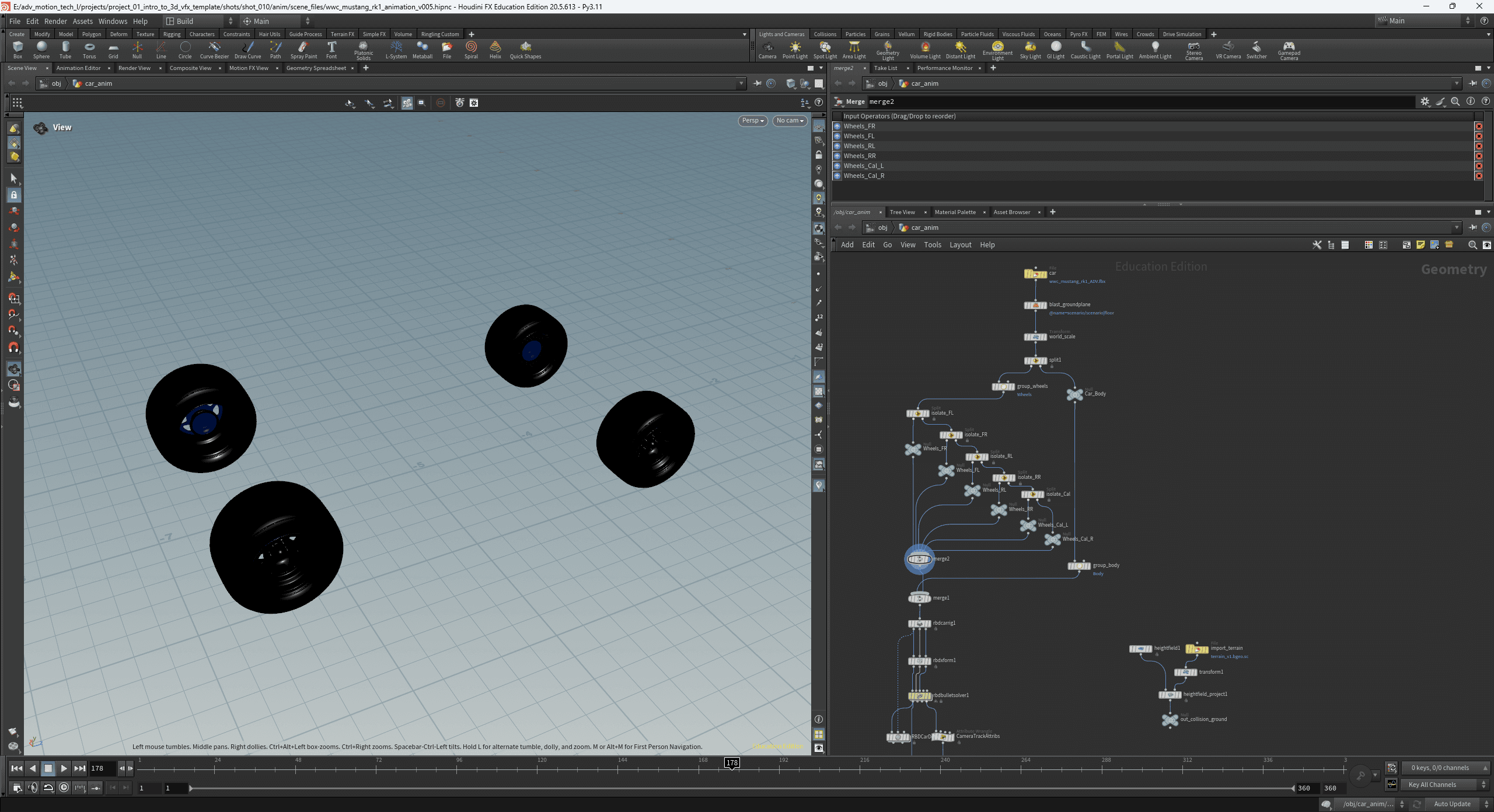
I knew that I wanted to have a library of 3D assets in Houdini so I can play and experiment while building. In order to have this workflow, I would have to process every individual model and texture. The script understands Kitbash (current) file organization and can process all of the models and textures in an entire asset bundle. The script is able to process models and associated textures at once, and bring them all into a single subnetwork node in Houdini, with textures applied! This allows you to see and build with the models in 3D space immediately, in engine, in your scene.
The output of my custom Kitbash processing Script
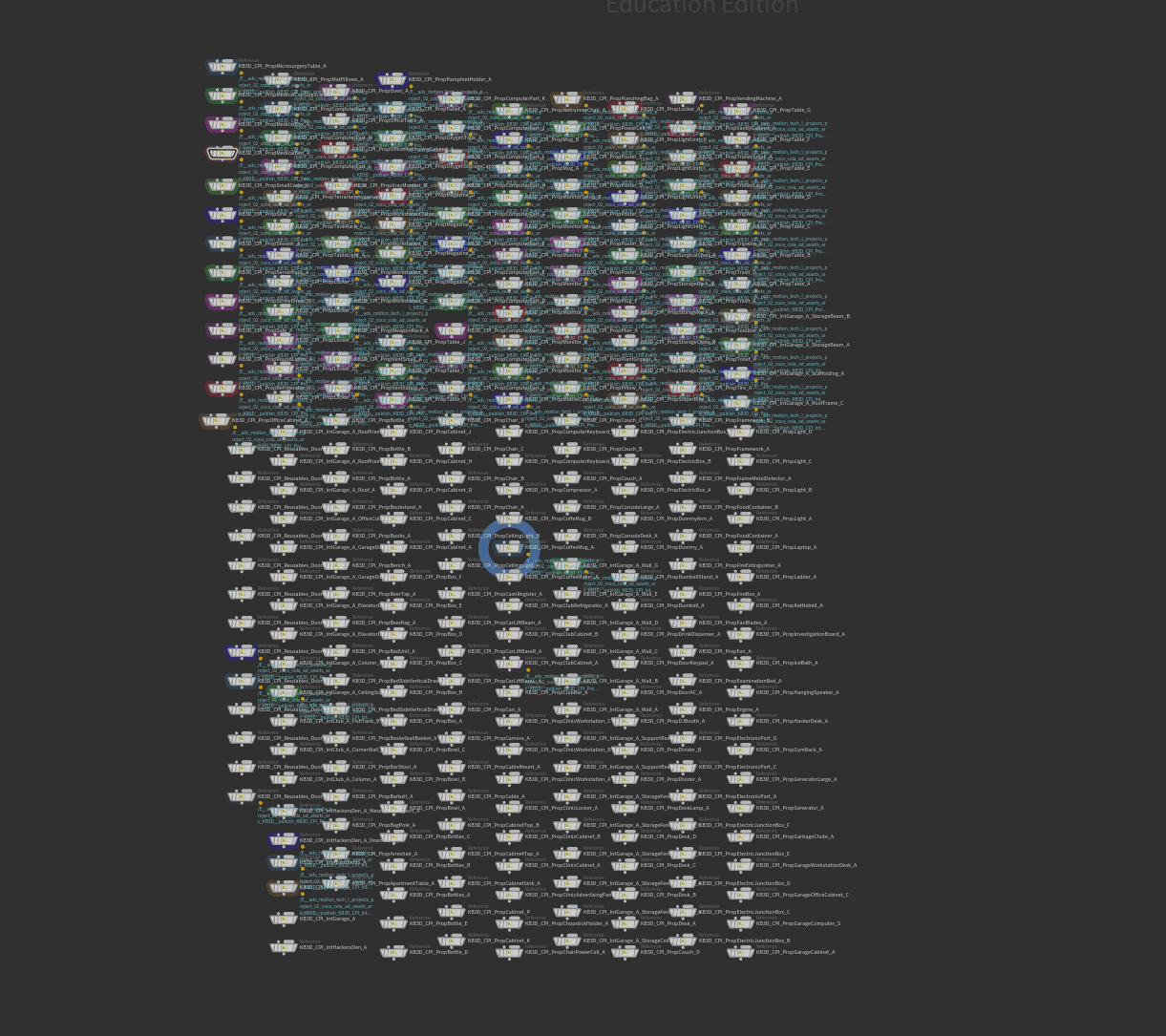
I AM PROMETHEUS
let there be light
Once the scene was built and textured, lighting is next in line. My philosophy in such a moody sci-fi scene was to use light as a major guiding line. The light in the scene not only sets the mood, but highlights exactly what you should be looking at.
I wanted to capture the moody, nostalgic glow of fluorescent lights as my main source of lighting as I thought it would be a driving force for the mood of the piece. I instantly knew that I would be jumping back to procedural animation, so I wrote another script using Claude.ai.
Fluorescence was born as a result. I needed a modular, interactive way to design and direct the flickering of lights. I am able to drive flicker speed and intensity of lights all without a single keyframe by using the Fluorescence UI.
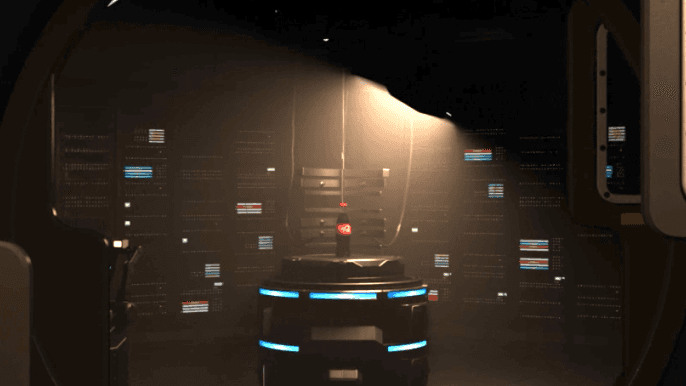
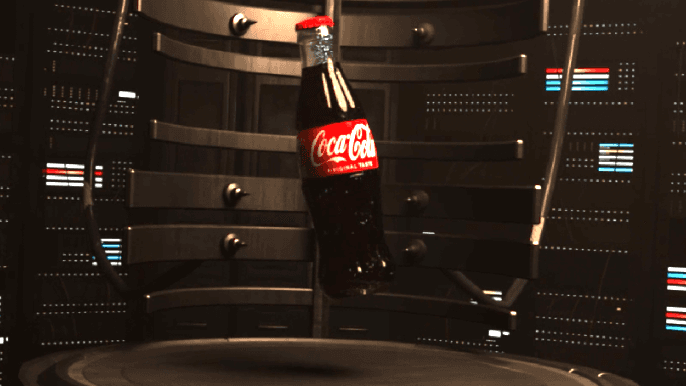
An example of the power of Fluorescence
NO MORE LIGHT
the black hole
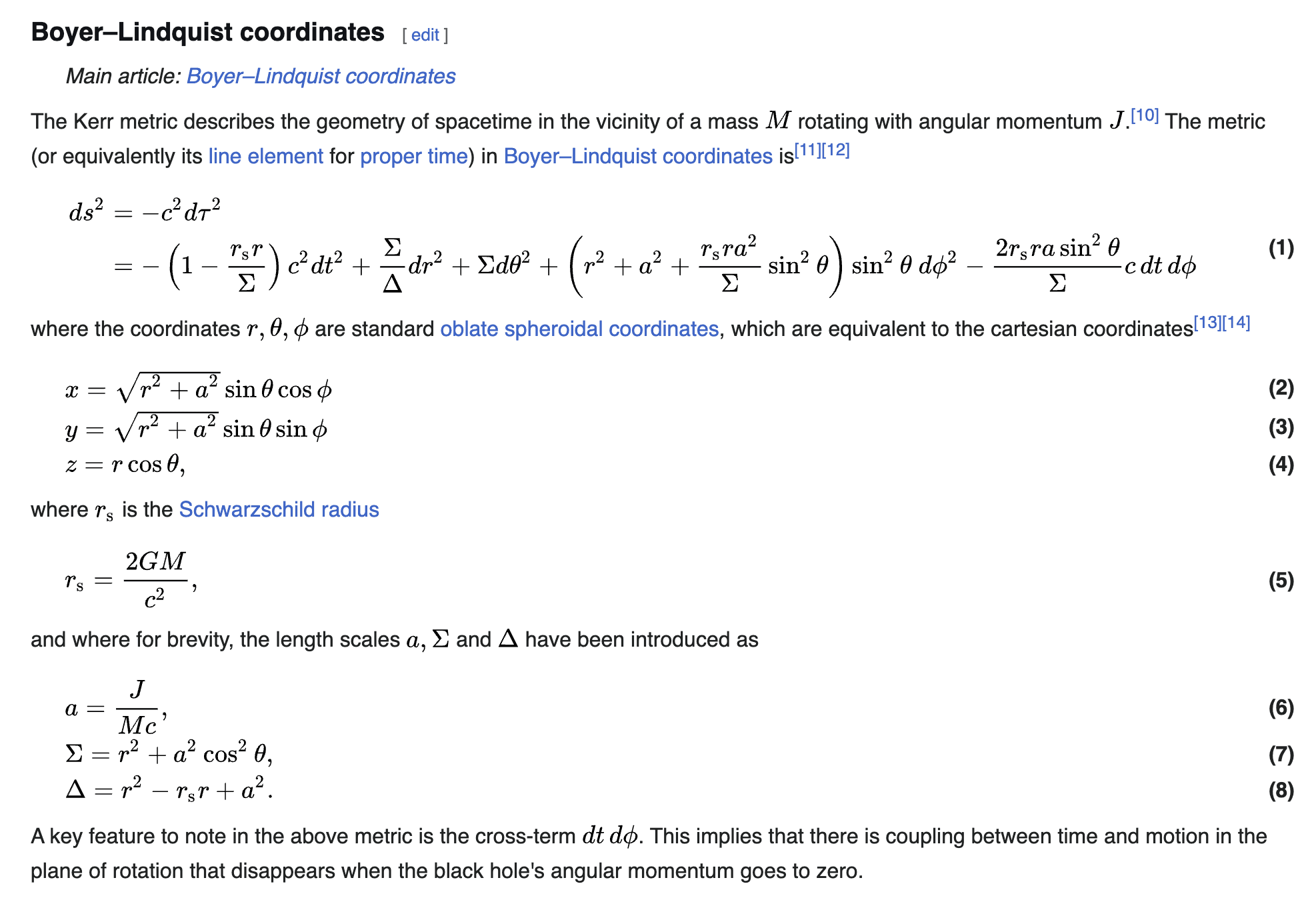
Thank you to Atilla Sipos for the incredible work porting the Kerr distortion formula into Houdini. Without his incredible work, I would have never been able to get any black hole or distortion effect into Houdini in time for this project.
As a part of the teleportation experiment I knew I wanted a visual effect to along with it. I started with a black hole erupting out of the coke bottle in an early pass, but quickly realized I wanted to make it more unique. I was able to dive in the math that drove the black hole shader and covert it into an energy ball, more akin to that Xbox intro sequence I previously referenced.
The shader itself is pretty awesome, it is essentially hundreds of glass objects shrunk down itself with each layer applying the Kerr formula. The end result is the distortion around the edge of whatever geometry you are using that resembles how a black hole bends light.
I will happily pretend that I understand how a black hole distortion works
Evolution of the black hole into a energy ball
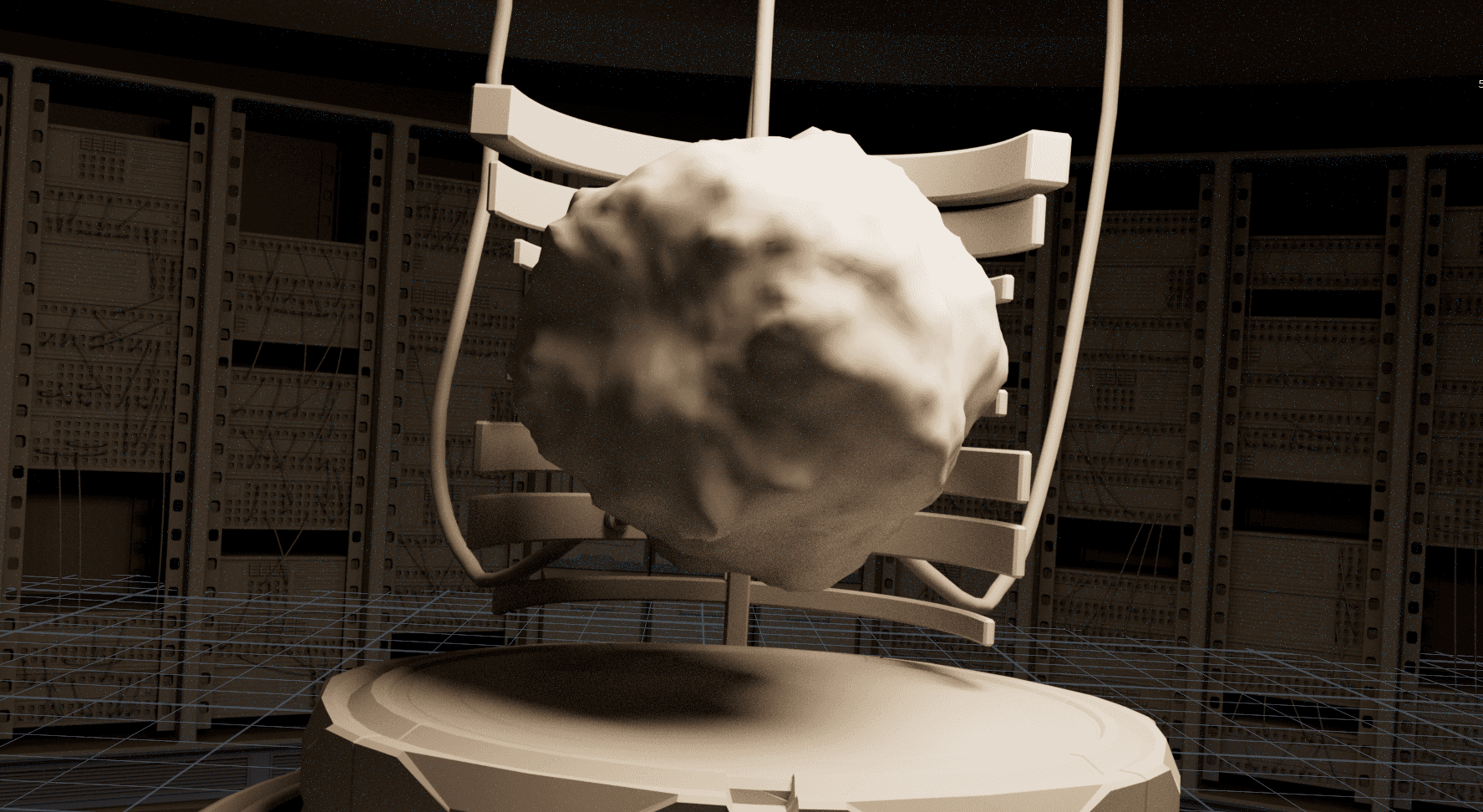
SO MUCH POST
nuke answered my prayers
At this point in my personal workflow, every project comes into Nuke, even if its for quick touchups. Unfortunately, this project was not one of those.
I previously mentioned the struggle I had with how 'locked down' all of the models and textures are from Kitbash. I believe when Kitbash switched their file structure to offering only USDs they weren't fully prepared. I'm not sure if its the USD itself, or how I imported files into Houdini, but every texture and mesh was impossible to modify, removing what makes Kitbash special, their modularity.
I instantly started to explore workarounds due to the short turnaround time on this project. The workflow that restored the most control over the assets was to render out AOV passes for both cryptomatte materials and objects. These cryptomattes allows me to create passes in Nuke and control elements of the models in post.
I'll use the server racks as an example. The default textures included are static full powered lights, but I wanted them to bring them to life and have them flicker, and power off when the lab loses power. I wasn't able to accomplish that in Houdini, so by using those cryotmattes in Nuke, I could create masks that control their visibility and strength in post. The awesome thing is that I have additional AOV render passes that allows me to interact with their illumination impact on the scene, restoring even more control of the individual assets!